What is a QR code?
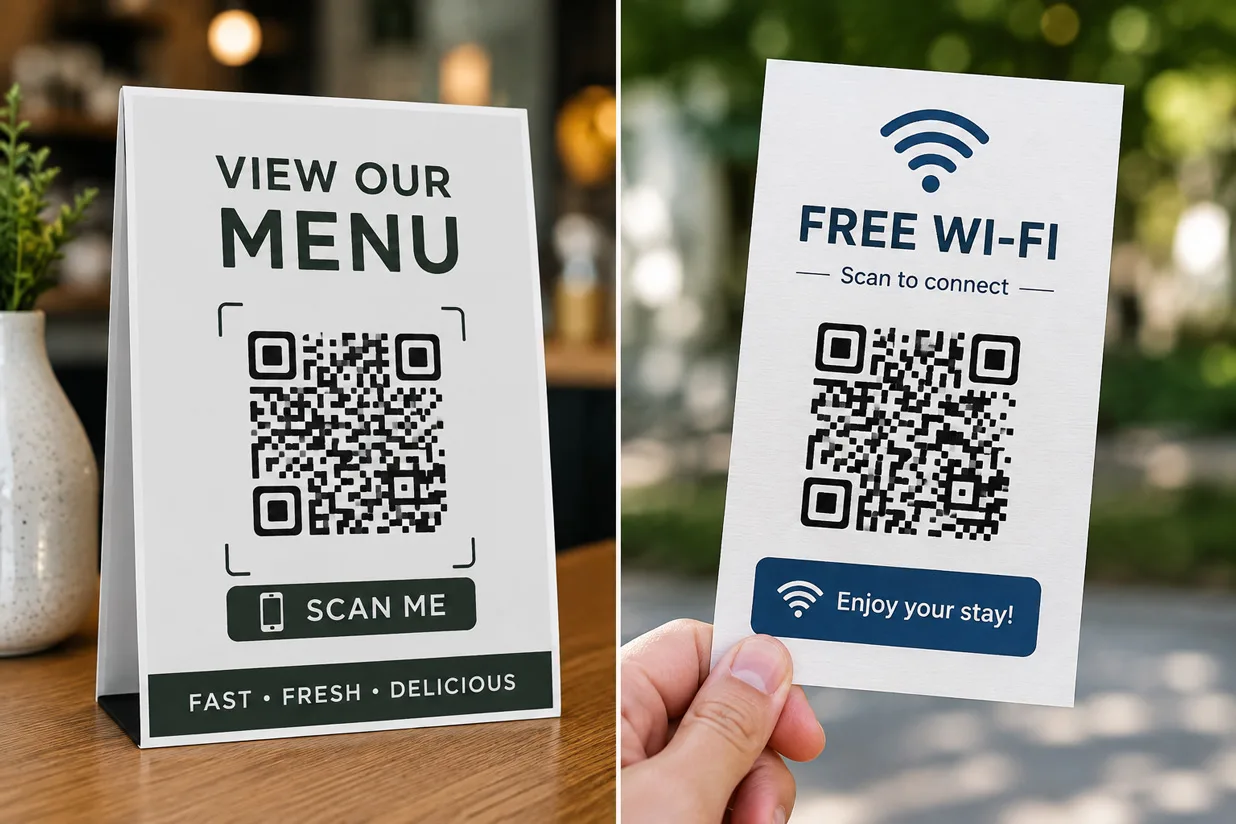
A QR code is a quick way to move information from print or a screen to a phone. Instead of asking someone to type a web address, password, phone number, or other information, you can put that data inside a scannable code.
With a free QR code generator, you can create a QR code in seconds and download it for websites, posters, menus, business cards, packaging, signs, and other uses.
The basic process is simple: enter your information, generate the QR code, download it, then scan it once yourself before publishing.
What is a QR code?
A QR code is a two-dimensional barcode that can store information such as text or a website address.
Most modern smartphones can scan QR codes directly with the camera. Point the camera at the code, wait for the notification, and tap it to open the content.
If you already have a QR code image and want to check what it contains, you can also use a free QR code reader.
What can you create with a free QR code generator?
The most common QR code is a URL QR code, but a generator can support several types of information.
Website URL
A URL QR code sends the person scanning it to a web page.
You can use one for a:
Business website
Product page
Restaurant menu
Booking page
Registration form
Online store
Portfolio
Survey
Download page
If your main goal is to send people to a website, use the free URL QR code generator.
URL QR codes are especially useful in print. A person is much more likely to scan a code than manually type a long address from a poster or flyer.
Make sure the destination works well on mobile. Most people scanning the code will be using a phone.
Plain text
A QR code can store text directly instead of opening a website.
This works for short instructions, reference numbers, short messages, product details, or other information that does not need its own web page.
Keep the text reasonably short. More information creates a denser QR pattern, which can become harder to scan when printed at a small size.
WiFi details
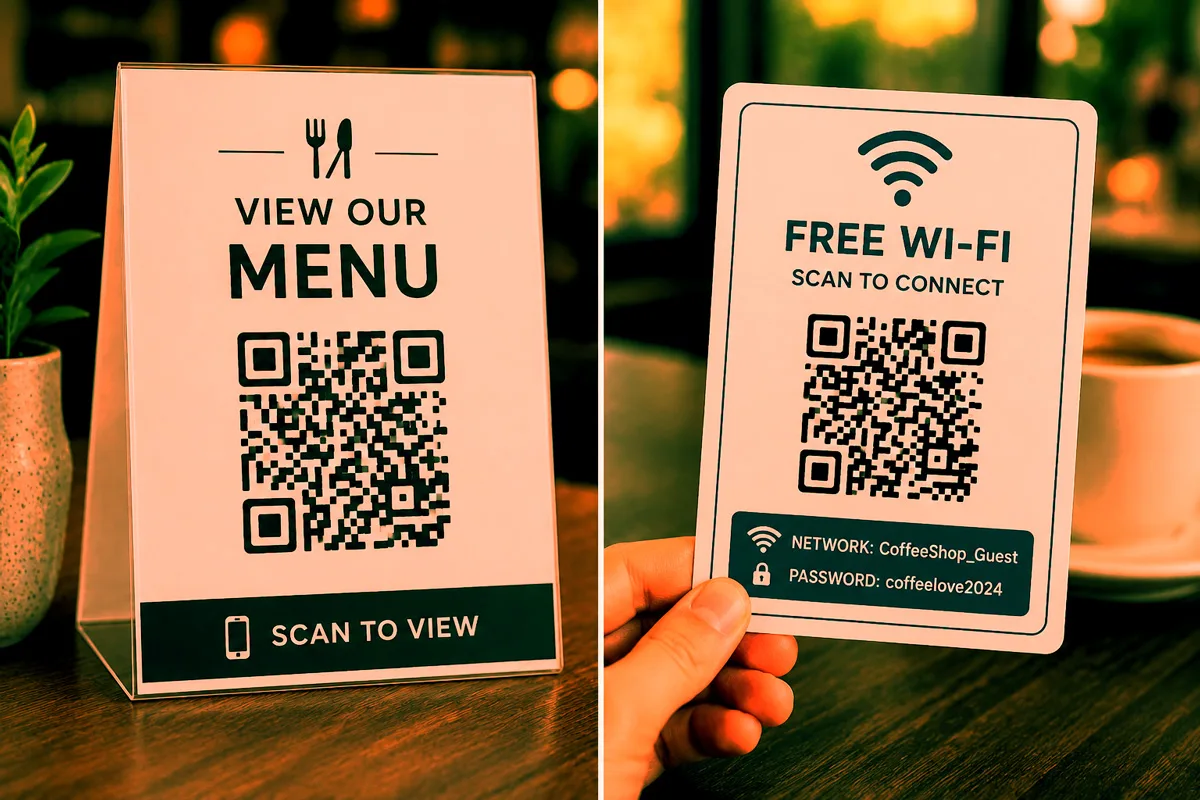
A WiFi QR code can contain a network name, password, and security type.
It is useful in homes, offices, cafes, hotels, rental properties, meeting rooms, and events. Guests can scan the code instead of typing a long WiFi password.
Remember that anyone who can see the code may be able to access the network. Do not display private WiFi credentials publicly.
An email QR code can open the user's email app with an address already filled in.
Some QR generators can also add a subject line or prepared message. This can work well for customer support, event inquiries, feedback, and sales contacts.
Phone number
A phone QR code contains a telephone number. After scanning, a compatible phone can offer to call it.
You might place one on a business card, service vehicle, shop window, advertisement, or customer support page.
Check the number before downloading. The QR code will encode exactly what you enter.
SMS
An SMS QR code can prepare a text message to a chosen number.
Depending on the generator, you may also be able to include a prewritten message. The user can review it before sending.
Contact information
Contact QR codes can make exchanging details much quicker.
A vCard QR code may contain a name, company, phone number, email address, website, and postal address. The person scanning it can then save those details to their contacts.
This is particularly handy on business cards and conference badges.
Maps and locations
You can create a QR code that opens a location in a map service.
Use it for shops, offices, restaurants, events, weddings, property viewings, or meeting points.
Before printing it, open the link yourself and check that it points to the exact place you intended.
Social profiles and files
Any public page with a URL can usually be turned into a QR code.
That includes social media profiles, YouTube channels, PDFs, digital brochures, online menus, manuals, and downloadable files.
For long-lived print material, keep the destination URL active. The printed QR code may still scan years later, but it cannot fix a page that has been deleted.
Static vs. dynamic QR codes
This distinction matters if you plan to print a QR code.
A static QR code stores the information directly in the code. If you create one for https://example.com/menu, that address becomes part of the QR pattern.
You cannot change it after printing.
A dynamic QR code usually points through a redirect service. That service may let you change the final destination later without replacing the printed QR code.
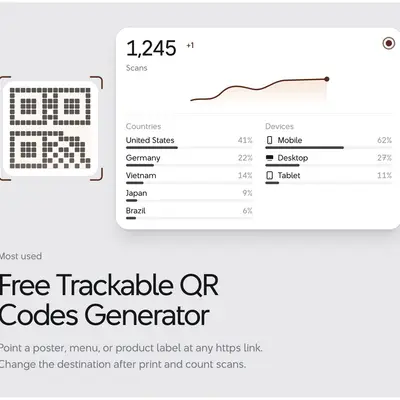
Dynamic services can also offer scan tracking, but they may require an account or paid subscription.
For a simple permanent website link, a static QR code is often enough.
Which QR code format should you download?
PNG and SVG are the two formats most people need.
PNG
PNG works well for websites, documents, presentations, email, and smaller print projects.
It is easy to use and supported by almost every design program.
Just avoid taking a small PNG and enlarging it too much. It can become blurry.
SVG
SVG is better when you need to resize the QR code.
Because it is a vector format, it stays sharp at different sizes. That makes it useful for posters, packaging, signs, banners, and professional design work.
If you do not know how large the final design will be, SVG gives you more flexibility.
Can you customize a QR code?
Many generators let you change colors, corners, shapes, or add a logo.
A little customization is fine. Too much can make the code difficult to scan.
Keep good contrast between the QR pattern and its background. Leave clear space around the edges, and do not cover a large part of the code with a logo or graphic.
Then test it.
That final step matters more than how the QR code looks in the editor.
How big should a QR code be?
There is no single size that works everywhere.
A QR code on a business card is scanned from a few centimeters away. A code on a poster might be scanned from much farther back.
For close-range print use, around 25 to 30 mm square is a sensible starting point for testing. More complex codes or longer scanning distances may need a larger size.
Print a sample before ordering hundreds of copies.
Do free QR codes expire?
A normal static QR code does not expire just because time passes.
If the code contains a website address, however, that website still needs to exist. Move or delete the page and the QR code will continue pointing to the old address.
Dynamic QR codes are different because they depend on the service managing the redirect. Check the provider's terms before using one on permanent packaging or signage.
Common QR code mistakes
Most problems are easy to avoid.
Do not make the code extremely small, remove the clear border around it, use weak color contrast, stretch the image, or cover too much of the pattern with a logo.
More importantly, test the actual finished design.
A QR code that scans perfectly on your monitor might behave differently after being printed on a glossy label or reduced to fit a business card.
Also test the page it opens. A working QR code that leads to a broken link is still a bad QR code.
How to create a QR code for free
For most projects, the process is:
Open the free QR code generator.
Choose the type of QR code you want.
Enter your information.
Generate the code.
Download it in the format you need.
Scan the downloaded or printed version to check it.
For a website, you can go directly to the URL QR code generator.
If you need to scan or inspect an existing code instead, use the free QR code reader.
Frequently asked questions
Can I create a QR code for free?
Yes. You can create common QR codes for websites and other supported information with a free QR code generator. Some providers may charge for dynamic QR codes, tracking, or advanced features.
Can I make a QR code for a website?
Yes. Paste the web address into a URL QR code generator, create the code, and download it. You can use the free URL QR code generator for this.
Can I download a QR code as an image?
Yes. QR code generators commonly provide image downloads such as PNG. Some also support SVG and other formats.
Is PNG or SVG better?
PNG is convenient for everyday digital use. SVG is better if you need to resize the QR code for printing or design work.
Do QR codes expire?
Static QR codes do not normally expire. However, a website or file linked by the code can be moved, deleted, or become unavailable.
Can I scan a QR code from an image?
Yes. If the QR code is stored as an image, a compatible reader can decode it. You can use the free QR code reader to read an existing code.
Should I test my QR code before printing?
Yes. Scan the final version at its intended size before printing a large quantity. Check both the QR code and the page or information it opens.
Create, download, and test
A free QR code generator can handle much more than website links. You can create codes for text, WiFi details, contact information, email, phone numbers, locations, social profiles, and other content.
Choose the QR type that matches what you want the person to do after scanning. Download a suitable format, keep the design easy to scan, and test the finished version before you publish it.
For a simple starting point, use the free QR code generator, or go straight to the URL QR code generator when you want to turn a website address into a QR code.