What is a trackable QR code?
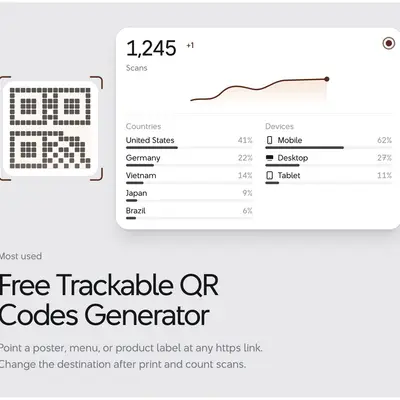
A trackable QR code lets you see how many times people scan it. Unlike a basic static QR code, it can also let you change the destination later without replacing the printed QR code.
ForQRCode supports this through its URL QR code generator. When you save the code to a ForQRCode account, the QR code uses a short dynamic link that can record scans and point to a destination you can edit later.
What is a trackable QR code?
A trackable QR code is a dynamic QR code.
Instead of storing your final website URL directly in the QR pattern, it sends scanners through a managed short link. That extra redirect is what makes scan counting and later destination changes possible.
For example, you could print one QR code on a poster today and point it to:
https://example.com/summer-sale
Later, you could change the destination to another page without printing a new QR code.
ForQRCode describes its trackable QR codes as dynamic codes that redirect through a URL you can edit later and optionally use to count scans.
Step 1: Open the URL QR code generator
Go to the free URL QR code generator.
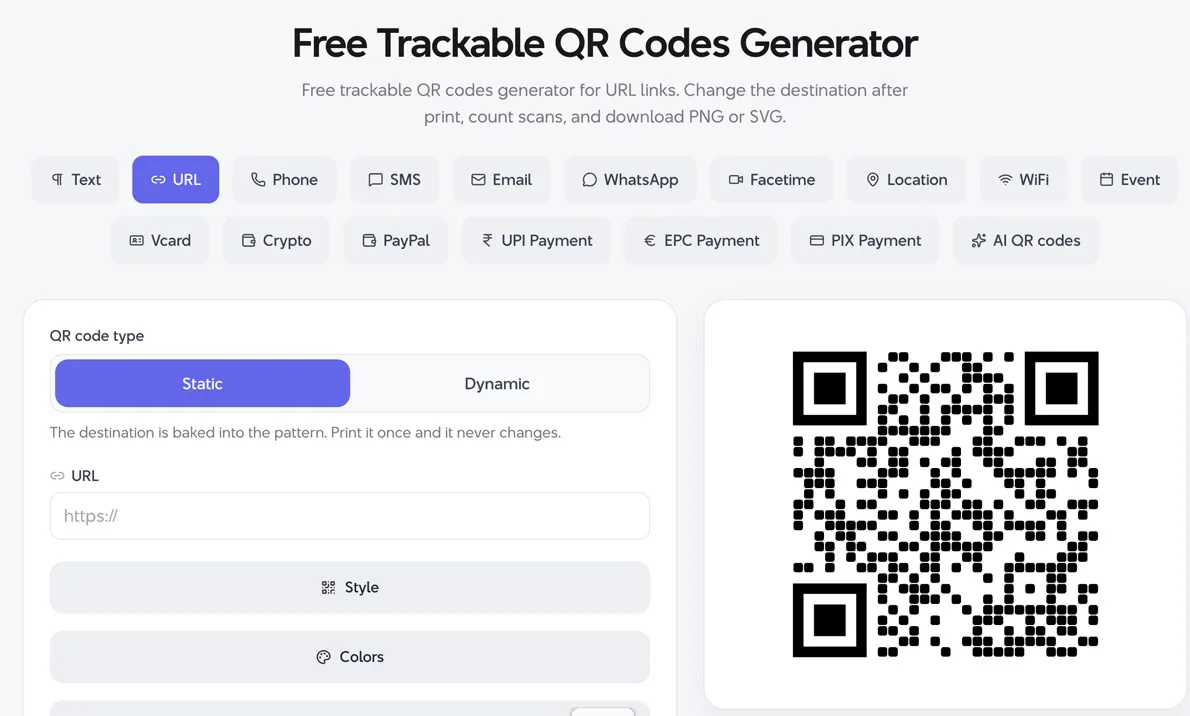
The generator is already set to the URL QR type, so you do not need to select another format before getting started.
Step 2: Enter your website URL
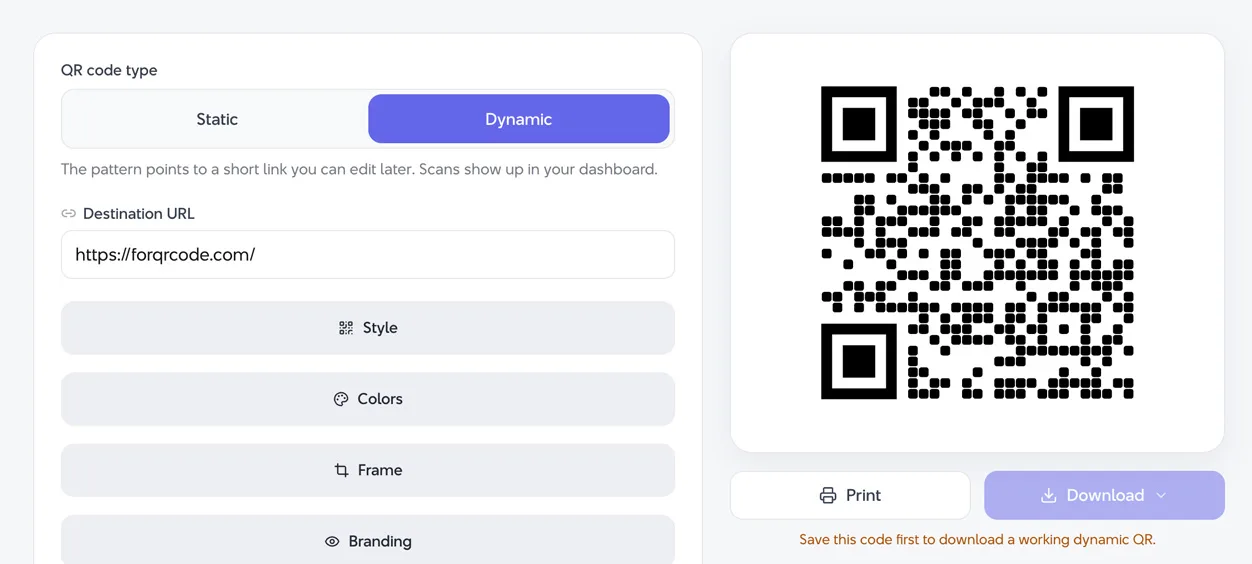
Switch the QR code type to Dynamic and then paste the page you want people to visit into the URL field.
Use a complete HTTPS address, such as:
https://example.com
ForQRCode recommends using HTTPS URLs so visitors do not receive browser security warnings.
As you enter your information, the QR code preview updates.
Step 3: Make the QR code dynamic
If you simply enter a URL and download the code without an account, ForQRCode can create a static QR code. Static codes encode the destination directly and do not provide the same editable, trackable behavior.
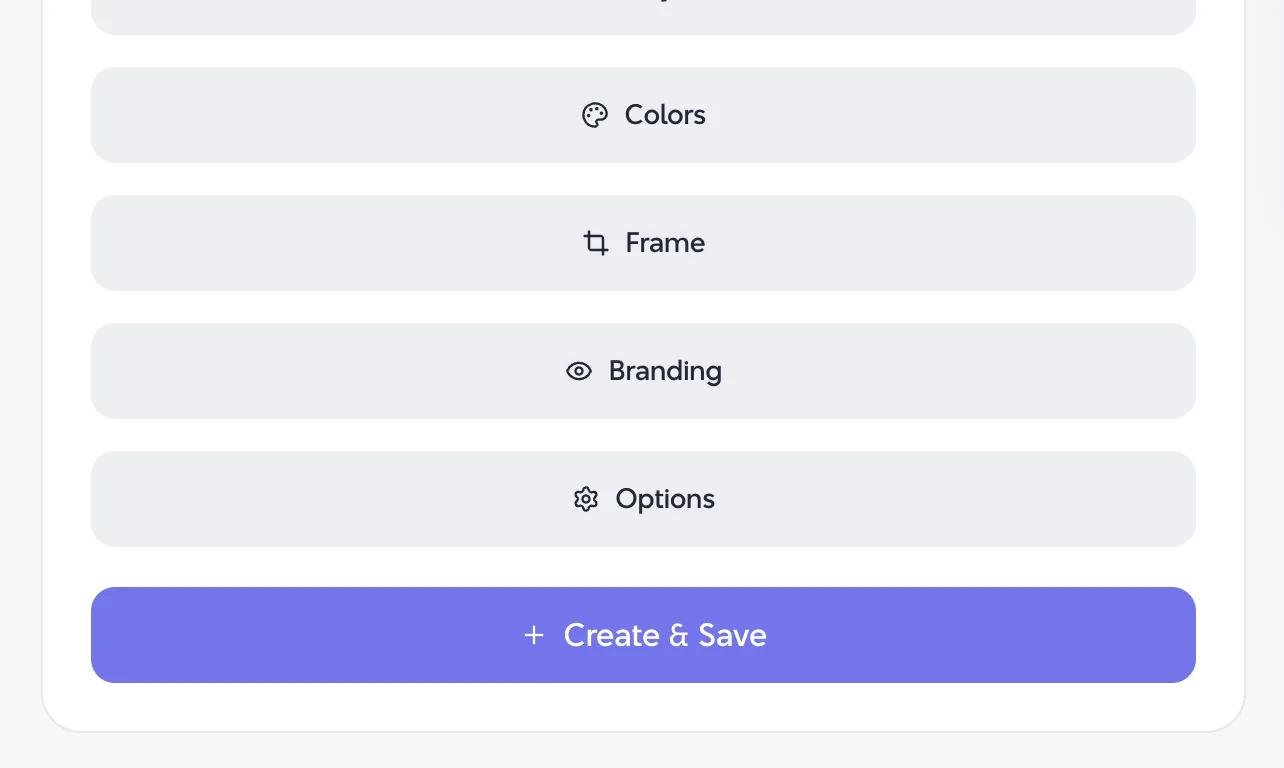
To make the QR code trackable, save it through a ForQRCode account.
The site states that an account turns the QR pattern into a short link with scan counts. That dynamic link is what lets you monitor scans and change the destination later
Step 4: Customize the QR code
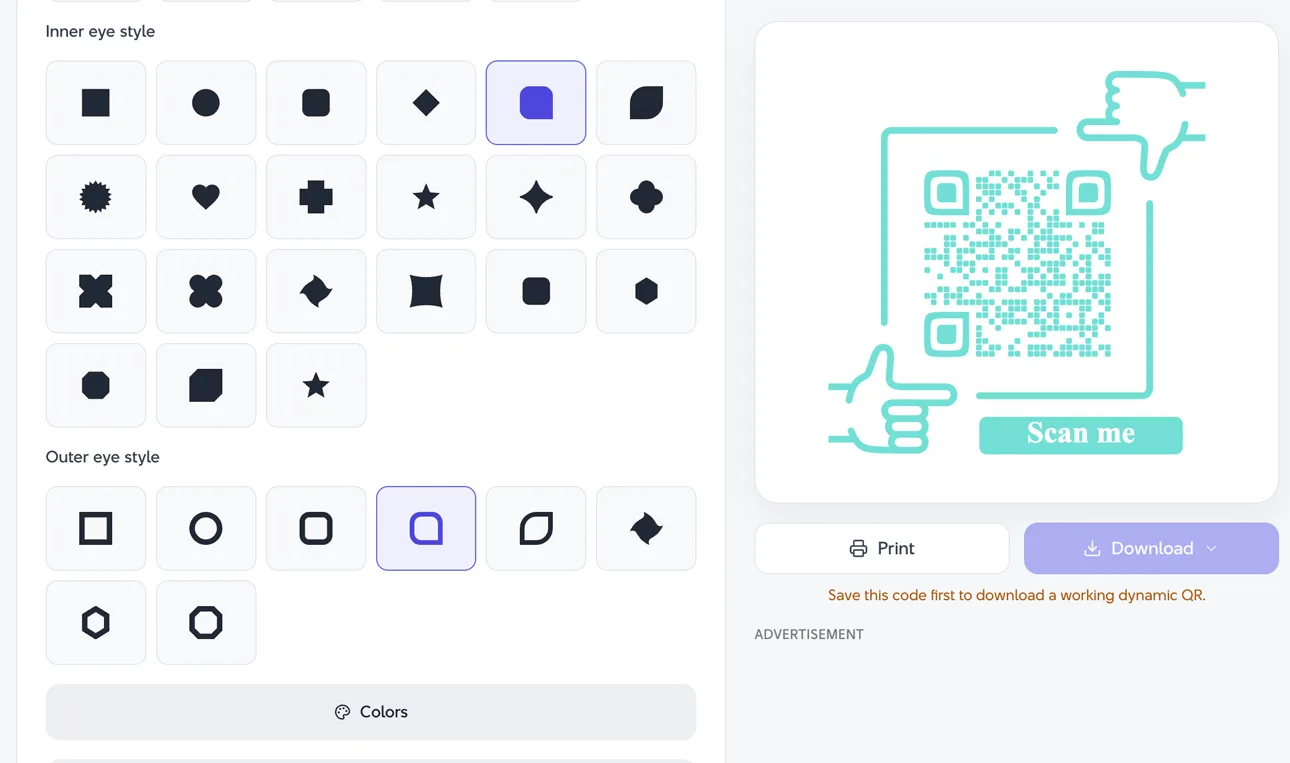
Before downloading, you can customize the appearance of the code.
The generator supports options such as colors and logos. ForQRCode also recommends keeping strong contrast and enough clear space around the code so phone cameras can recognize it quickly.
If you add a logo in the center, the site recommends using Q or H error correction so the QR code has more tolerance for the covered area.
Do not over-design it. A QR code that looks good but scans poorly is not useful.
Step 5: Download your trackable QR code
Once the code is ready, download it in the format that fits your project.
ForQRCode supports PNG and SVG in the generator instructions, and the site also lists PDF and EPS among its available download formats.
PNG is convenient for websites, presentations, and everyday documents. SVG is better when you need to resize the QR code for posters, packaging, signs, or other print work.
Step 6: Test the QR code
Scan the finished QR code before you publish or print it.
ForQRCode specifically recommends testing on both iPhone and Android before producing a large number of printed labels or other materials.
Check two things:
The QR code scans quickly.
It opens the correct destination.
If the code is going on printed material, test the actual printed version too.
Step 7: Check your scan data
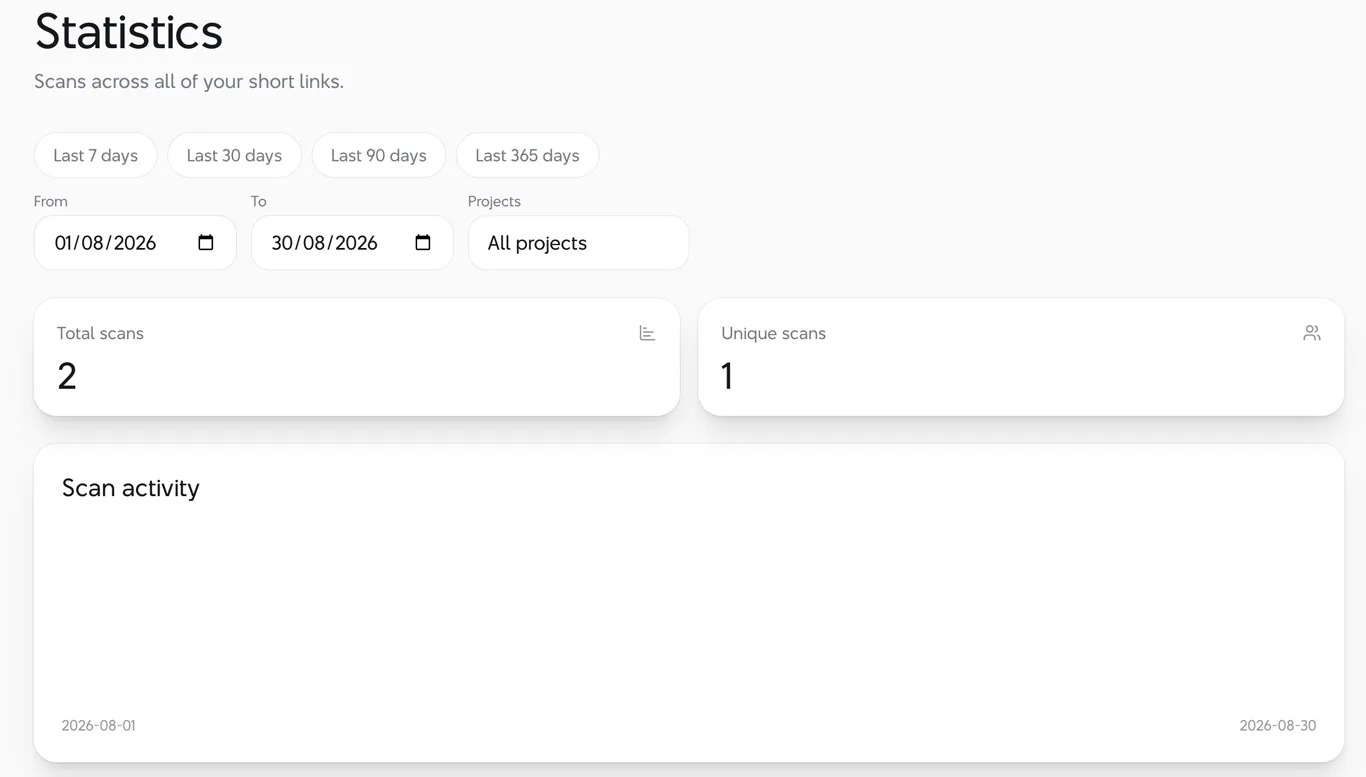
After people begin using the code, open your ForQRCode account to view the scan information associated with the dynamic link.
The site's URL QR documentation confirms that dynamic codes can provide scan counts and can be edited later.
This is useful when you want to measure whether people are scanning a QR code on a poster, menu, package, business card, or campaign.
Why use a trackable QR code?
Static QR codes work well when you simply need a permanent link.
Trackable QR codes make more sense when the printed code will be used for marketing, events, product packaging, menus, or other situations where you may want to measure scans or change the destination later.
The biggest advantage is that the printed QR pattern can stay the same while the destination behind it changes.
That can save you from reprinting material just because a landing page has moved.
Static vs. trackable QR codes
Feature | Static QR code | Trackable QR code |
|---|---|---|
Opens a website | Yes | Yes |
Requires an account on ForQRCode | No | Yes |
Scan counts | No | Yes |
Destination can be changed later | No | Yes |
Suitable for simple permanent links | Yes | Yes |
Useful for campaigns and analytics | Limited | Yes |
ForQRCode says static URLs can be downloaded without an account, while saving the code as a dynamic link provides analytics and later editing.
Tips for better trackable QR codes
Use a short, clear destination and HTTPS. Shorter URLs create simpler QR patterns, which can improve scanning at smaller sizes.
Keep good contrast between the QR pattern and its background. Leave quiet space around the edges, and test the finished code before committing to a large print run.
If you add a logo, use stronger error correction and verify the code on several phones.
FAQ
Can I create a trackable QR code for free?
ForQRCode describes its URL generator as a free trackable QR code generator. An account is required to turn the code into a dynamic short link with scan counts.
Can I create a QR code without an account?
Yes. You can enter an HTTPS URL and download a static QR code without an account.
Can I change the link after printing the QR code?
With a dynamic QR code, yes. The destination behind the short link can be edited later. A static QR code cannot be changed after it is created.
Can I track how many people scan my QR code?
Yes, when the QR code is saved as a dynamic link in a ForQRCode account. The site states that these dynamic codes support scan counts.
Does a static QR code expire?
ForQRCode states that static URL QR codes encode the URL directly and do not expire on ForQRCode. The destination website still needs to remain available.